
Playbook · Event operations
The ReadySet Event Planning Checklist
A practical framework for planning smoother multiplayer experiences, from participant onboarding to gameplay pacing.
- Category
- Playbook
- Audience
- Organizers · Agencies · HR
- Format
- Event operations
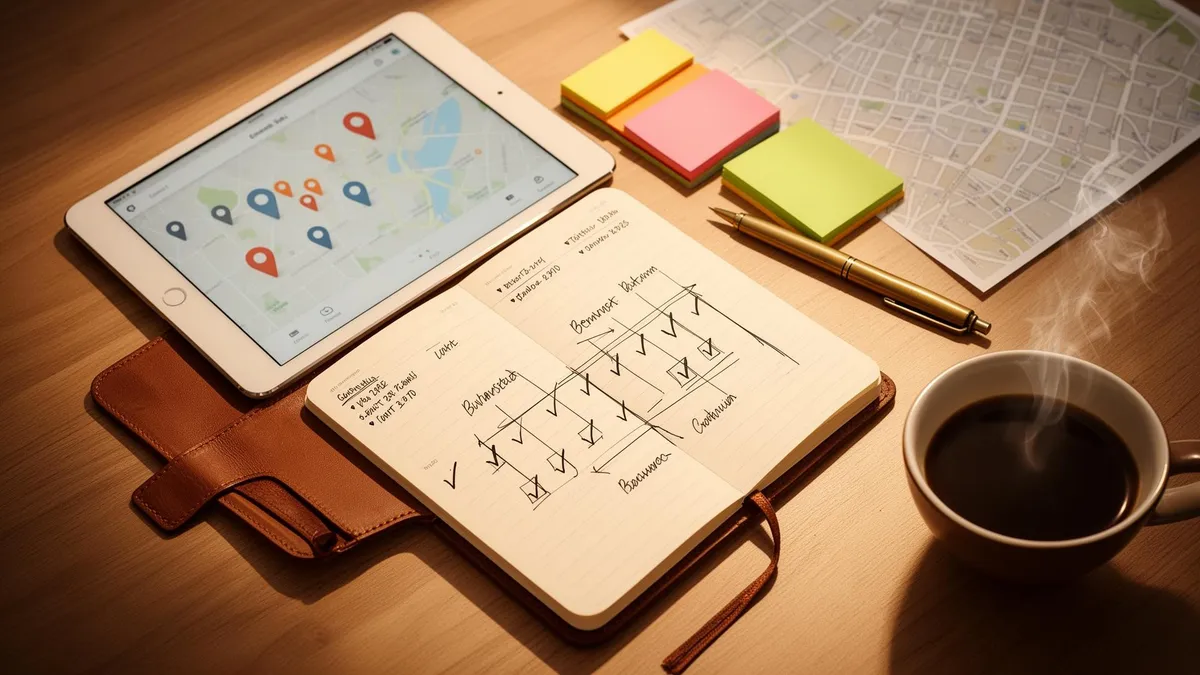
The premise
Great multiplayer experiences rarely happen by accident.
The most successful ReadySet events balance gameplay, logistics, onboarding, pacing, collaboration, and participant communication — and the checklist below helps organizers prepare smoother experiences while avoiding common event-day issues.
01 — Intent
Define the experience goal
Every smooth event starts with a clear answer to one question: what should participants feel by the end?
Goals shape gameplay. The same map can become a team-building exercise, a networking icebreaker, an onboarding moment, or a branded activation — depending on what you're optimizing for.
Team building
Collaboration, conversation, shared wins.
Networking
Cross-team mixing, small talk with a purpose.
Onboarding
Orientation, culture, low-pressure introductions.
Exploration
Place, venue, neighborhood, story.
Branded activation
Theme, message, memorable artifact.
Competition
Energy, stakes, leaderboard moments.
Pick one primary goal. Secondary goals are fine — but a single intent makes every design decision easier.
02 — Area
Plan the gameplay area
The map is the stage. Walkability, safety, and pacing all start here — before a single checkpoint is placed.
Choose areas that are publicly accessible, easy to navigate, and safe to move through. Cluster checkpoints tightly enough to maintain momentum, but with enough variation to keep teams discovering something new.
ReadySet's checkpoint generation can suggest balanced layouts across your chosen area — a strong starting point you can then refine by hand.
Walkability
Comfortable distances; no rushed gaps.
Safe + public
Avoid dangerous crossings or restricted spaces.
Checkpoint spacing
Tight clusters with intentional breathing room.
Pacing
Vary checkpoint density across the route.
Accessibility
Step-free paths and clear sightlines where possible.
03 — Mix
Build a balanced experience
A great experience isn't one mechanic done loudly. It's a few mechanics, stacked in rhythm.
Mix activity styles so no single format carries the whole event. Variety keeps energy up, broadens who feels confident participating, and produces a richer set of shareable moments.
Trivia
Quick bursts, fast feedback, easy entry.
Creative missions
Open prompts that reward imagination.
Photo challenges
Low-friction, instantly social.
Teamwork tasks
Designed to need more than one mind.
04 — Prep
Prepare participants
Most pacing problems begin before the first checkpoint. Prep is the highest-leverage step in the entire plan.
App in advance
Ask participants to download the ReadySet app before arrival.
Event code
Share it in the calendar invite, signage, and any pre-event email.
Multiplayer setup
Confirm team allocations and any pre-assigned squads.
Expectations
A short brief on what the experience is and how long it runs.
Charged devices
Encourage 80%+ battery; offer a charge station if you can.
Clear onboarding
Two minutes of live walkthrough beats five paragraphs of text.
05 — Configure
Configure gameplay settings
Settings quietly shape the feeling of the event. A few minutes here saves an hour of live adjustments later.
Multiplayer or single-player
Choose based on group size and how social you want it.
Leaderboards
On for competitive energy, off for softer formats.
Duration
Shorter, focused experiences usually beat longer, drifting ones.
Scoring
Reward variety — not just speed.
Pacing
Stagger activity intensity so energy ebbs and peaks.
06 — Test
Test everything
Walking the route once removes more risk than any amount of planning on paper.
Preview code
Run the live experience end-to-end before publishing.
Route testing
Time the gaps between checkpoints with real movement.
Gameplay flow
Confirm one activity hands cleanly to the next.
Timing validation
Notice where energy dips or queues might form.
Checkpoint verification
Open each one on-site; confirm GPS lands cleanly.
Event-day checklist
The list to run through one hour before doors.
- 01Participants informed
- 02Event code shared
- 03Gameplay tested
- 04Routes verified
- 05Devices charged
- 06Teams assigned
- 07Support contact prepared
- 08Onboarding script ready
After the event
The hour after the event shapes the next one.
Collect feedback
A short post-event survey — or a single open question — tells you more than analytics alone.
Share photos & content
Surface the best moments back to participants. Shared artifacts extend the energy of the event.
Review analytics
Where did teams stall? Which checkpoints landed hardest? The data shapes the next iteration.
Improve the next one
Capture one thing to keep and one thing to change. Two notes per event is enough to compound.
Final takeaways
A short list to keep on hand.
- 01Clear onboarding reduces friction
- 02Balanced pacing improves engagement
- 03Testing prevents operational issues
- 04Multiplayer interaction drives participation
- 05One primary goal sharpens every decision
- 06Small post-event notes compound into better events
Ready when you are
Plan your next ReadySet experience.
Bring this checklist into a live build. Our team can help shape the format, pacing, and operational plan before you go.
Your event, unforgettable
Tell us the venue.
We'll bring the game.
A 30-minute call is enough to design exactly what your guests will be doing — and posting about — on the day.